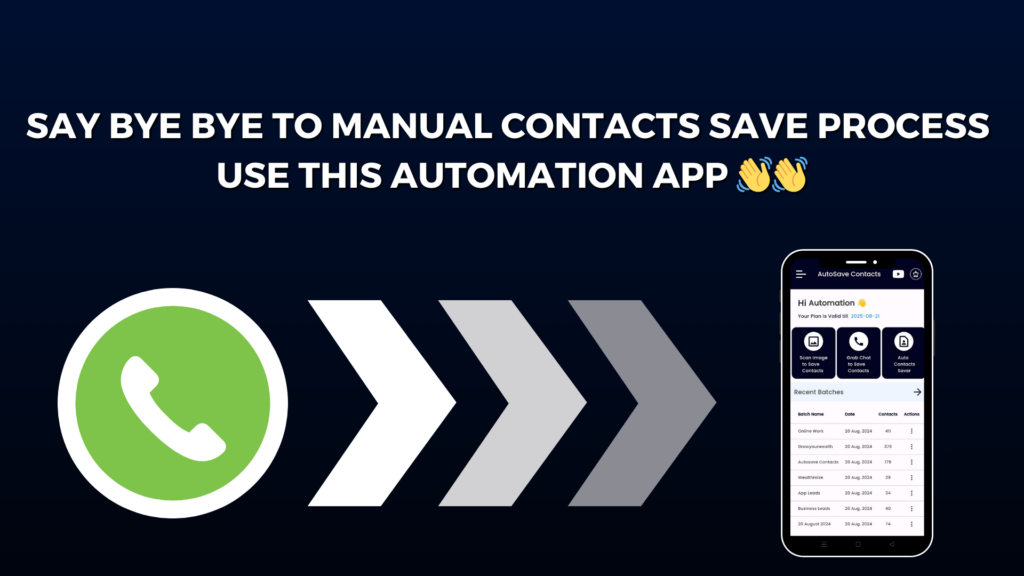
Saving contacts from WhatsApp one by one can be slow and tiring — especially when you have hundreds of chats or groups. But now, there’s a much faster and smarter way to do it! Introducing the Autosave Contacts Chrome Extension — your all-in-one solution for saving WhatsApp contacts instantly and effortlessly.
With the Autosave Contacts Extension, you can extract phone numbers from WhatsApp Web chats, groups, and broadcast lists in just seconds. No need to copy or type anything manually. Whether you’re managing leads, organizing an event, or running a marketing campaign, this tool helps you save hours of work with just one click.
Here’s what makes it special:
✅ WhatsApp Web Contact Extractor – The extension automatically scans your WhatsApp Web chats and finds all unsaved numbers. You can save or export them instantly.
✅ Export Group Members’ Numbers – Got a big WhatsApp group? You can download all group contacts or broadcast list numbers in one go — super quick and easy.
✅ Save Contacts to VCF, CSV, or Excel – Once the numbers are extracted, you can export them into different formats like CSV, Excel, or VCF (vCard). These files can be used for bulk messaging, CRM uploads, or importing contacts directly to your phone.
✅ Fast & Secure Workflow – Everything happens right in your browser. You don’t need any extra software, and your data stays safe and private.
But that’s not all! You can pair the Chrome Extension with the Autosave Contacts Mobile App for even more power. The app lets you manage and organize all your contacts directly on your phone.
📲 Text to Save Contacts – Paste numbers from Google Sheets, Excel, PDFs, or notes, and save them instantly to your phone.
📁 Export Full Phonebook or Gmail Contacts – Back up all your contacts or export them for CRM use or device transfer.
📤 Auto Contact Saver File – Share your contact file with clients and get your number saved automatically in their phone.
📸 Image & Screenshot Extraction – On mobile, the app can even detect numbers from screenshots or images!
With Autosave Contacts, you can finally save all your WhatsApp numbers at once — quickly, safely, and with zero manual effort. It’s the perfect combo for marketers, business owners, and anyone who uses WhatsApp daily.
Try Autosave Contacts Chrome Extension today and see how simple contact saving can be!