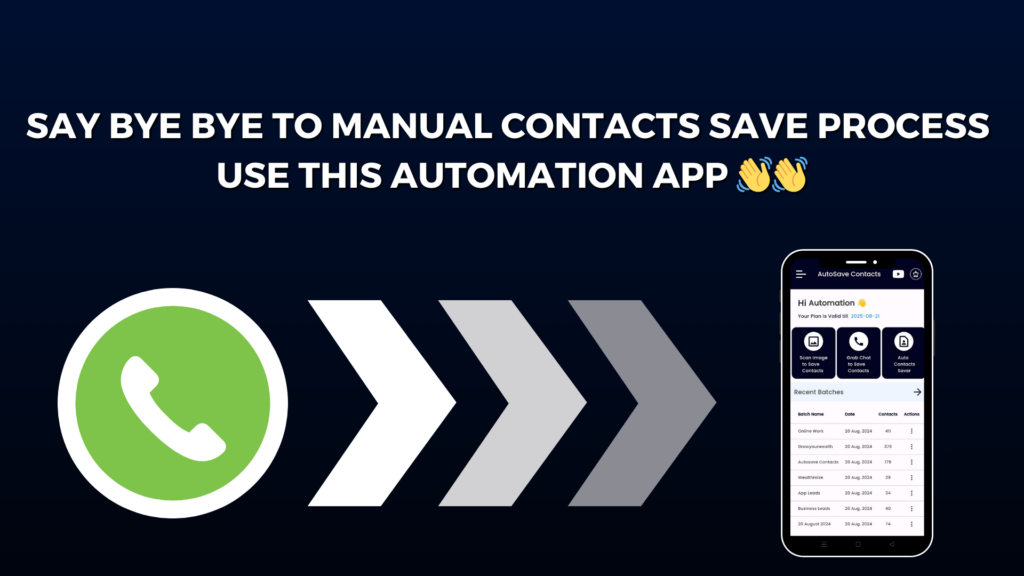
Saving numbers from a WhatsApp group can feel like a never-ending job. You open the group, tap a number, add a name, save it, and repeat the same steps again and again. If your group has hundreds of members, this can take hours. Many people leave this task for later and end up losing important contacts.
But now, you don’t have to do this manual work anymore.
With Autosave Contacts, you can save all WhatsApp group numbers automatically in just a few taps. This smart app is made by Wealthmize and is specially designed to make contact saving fast and easy for everyone.
Autosave Contacts works like a helper for your phone. It reads the phone numbers from your WhatsApp chats and groups and collects them for you. You don’t need to copy numbers or type names one by one. The app does everything in the background while you relax.
One of the best things about Autosave Contacts is that it can also take numbers from images. If someone sends you a poster, banner, or screenshot with phone numbers, the app can pick those numbers too. This is very useful for business owners, marketers, and anyone who works with many contacts every day.
After collecting the numbers, Autosave Contacts lets you save them into a VCF file. This file can be opened anytime and imported directly into your phone contacts. It is quick, clean, and safe. You stay fully in control of your data.
The app is very simple to use. Even if you are not good with technology, you can still use it without any confusion. The screen is clear, and the steps are easy to follow. That’s why many users call it the easiest WhatsApp group contact saver app.
Imagine saving 500 or 1000 group numbers in just a few minutes without typing anything. This saves your time, your effort, and your energy.
If you often join WhatsApp groups for business, marketing, networking, or learning, Autosave Contacts can become your best tool. It makes sure you never lose a useful number again.
So stop wasting time on manual saving. Let Autosave Contacts do the hard work for you and enjoy a faster, smarter way to manage your contacts.