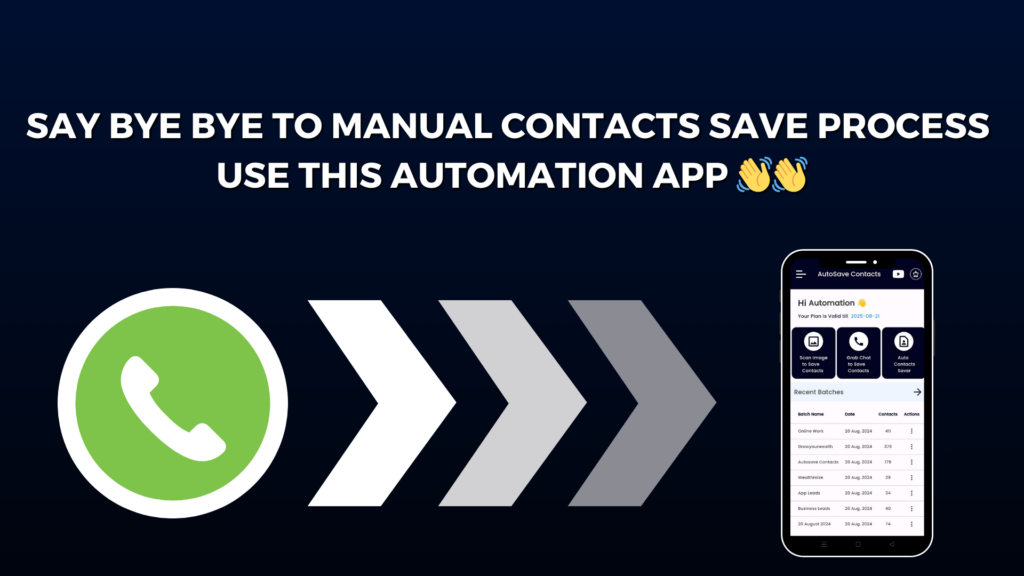
Managing contacts from WhatsApp can feel like a big task. You chat with so many people, join many groups, get calls from new numbers, and sometimes it becomes hard to save all the contacts one by one. That is where Autosave Contacts comes in — a smart and easy tool that helps you save numbers in seconds.
The Autosave Contacts Chrome Extension is made to help anyone who uses WhatsApp Web. With this tool, you can quickly pull out all the phone numbers from chats, groups, and even broadcast lists. You do not need to copy and paste anything. With just one click, the extension scans your screen and collects every unsaved number. This saves a lot of time, especially for people who handle leads, customers, or large groups.
One of its best features is the WhatsApp Web Contact Extractor. It scans chats automatically and fetches all the numbers that are not saved in your phone. You can also download all members’ numbers from any WhatsApp group. This is perfect for marketers, teachers, business owners, and anyone who needs contacts for work or events.
Once the numbers are collected, you can save them in CSV, Excel, or VCF formats. These files are easy to use for bulk messaging, CRM uploads, or saving contacts on your phone. The whole process is super fast and safe. Everything happens inside your own browser, so your data stays private.
But the extension is only half of the magic. Pair it with the Autosave Contacts mobile app on Android to unlock even more power. The app lets you paste numbers from any place — Google Sheets, Excel, notes, SMS, or even a simple text file — and save them straight to your phone.
You can also export your entire phonebook or Gmail contacts into VCF, Excel, or CSV. This makes it easy to back up your contacts, move them to another phone, or share them with your team.
There is also a special feature called Auto Contact Saver File, which lets you send one simple file to someone, and your number gets saved in their phone right away. Plus, the app can read numbers from images and screenshots, making saving contacts even quicker.
Autosave Contacts is truly a one-stop solution for anyone who wants to save time, stay organized, and manage contacts without stress. It is simple, fast, and perfect for both personal and business use.