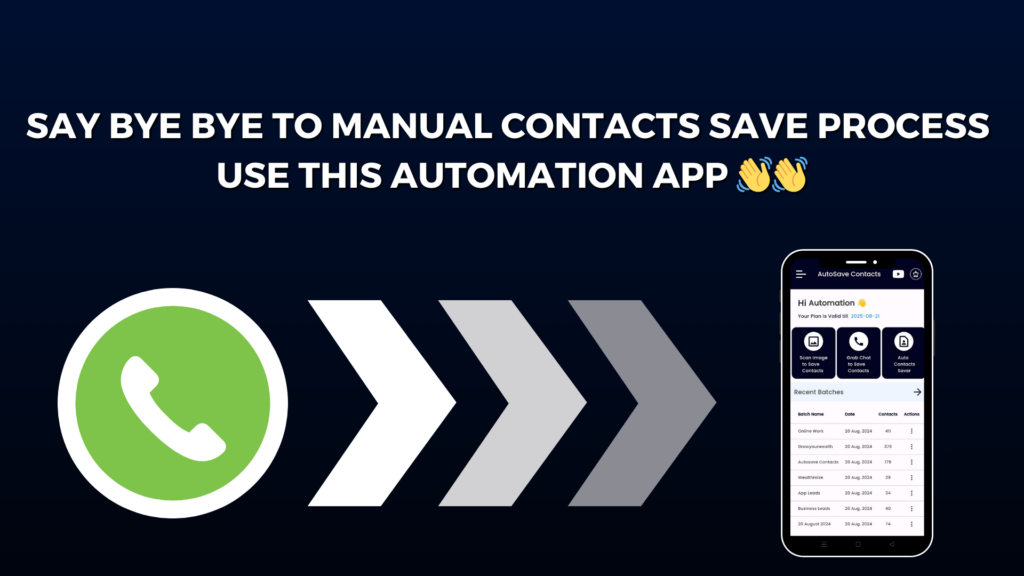
Last month, I was in big trouble. I had thousands of WhatsApp numbers in groups, chats, and broadcast lists—but all were unsaved. Manually saving them would take days. Then I found a super smart tool called Autosave Contacts, and my work finished in just a few minutes. Yes, I saved 2000+ WhatsApp numbers in minutes with just one click.
First, I used the Autosave Contacts Chrome Extension. It works on WhatsApp Web and helps pull out phone numbers from chats, groups, and broadcast lists. I opened my group on WhatsApp Web, clicked the extension, and boom—within seconds, all numbers were ready to download.
The best part is that I could export all numbers into CSV, Excel, or VCF files. I chose VCF and directly saved all contacts to my phone. No typing. No copy-paste. No headache.
This tool is perfect if you run:
A small business
WhatsApp marketing
Online classes
Events
Or lead generation work
Everything works with just one click, and your data stays safe in your browser. Nothing goes outside. That made me feel secure.
Now let’s talk about the Autosave Contacts Mobile App (Android). This made things even more powerful.
With this app, I can:
Paste numbers from Excel, Google Sheets, SMS, or notes and save them instantly
Export my full phone contacts to CSV, Excel, or VCF
Create a contact file and share it so clients can save my number in one tap
Even scan numbers from images and screenshots on my phone
Yes, just take a screenshot and the app finds the number and saves it. It feels like magic.
Before this app, I wasted hours doing boring work. Now everything happens fast. What took 5–6 days earlier now takes only 5–10 minutes.
If you work with WhatsApp daily and deal with many numbers, this tool is a life-saver. It saves time, energy, and stress. Even a beginner can use it easily.
In 2025, smart work matters more than hard work. And Autosave Contacts is the smartest trick I use every day.
If I can save 2000+ numbers in minutes, you can too. Just try it once—and you’ll never go back.