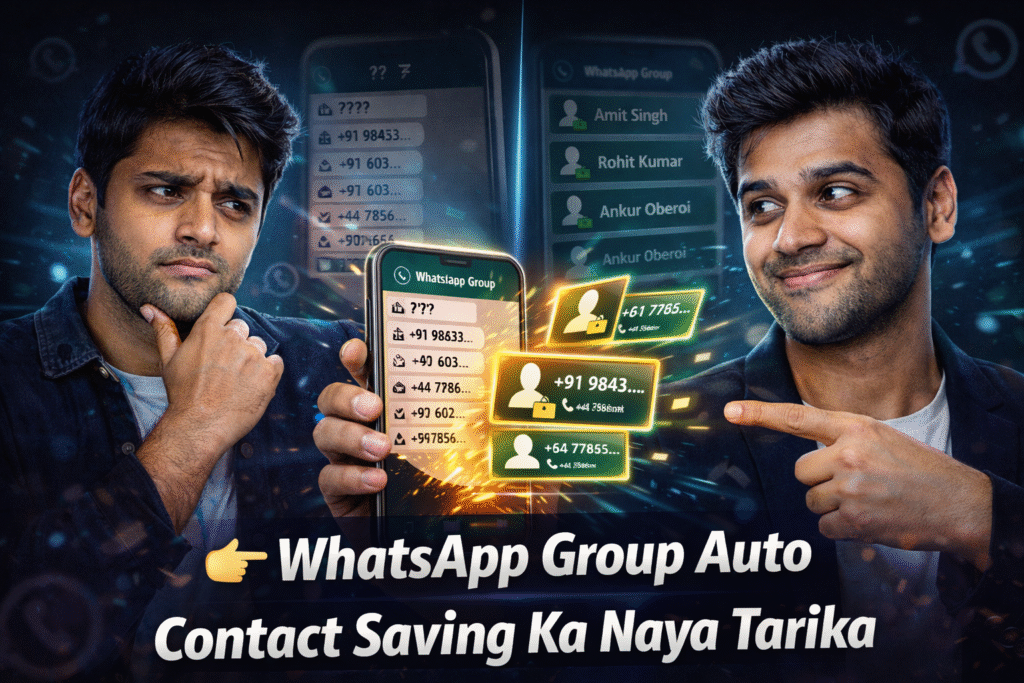
Saving phone numbers from WhatsApp groups can be a big headache. Many times, you join a group for school, work, events, or business. The group may have dozens or even hundreds of people. Writing each phone number by hand takes a lot of time and effort. This is where a smart app can make life much easier.
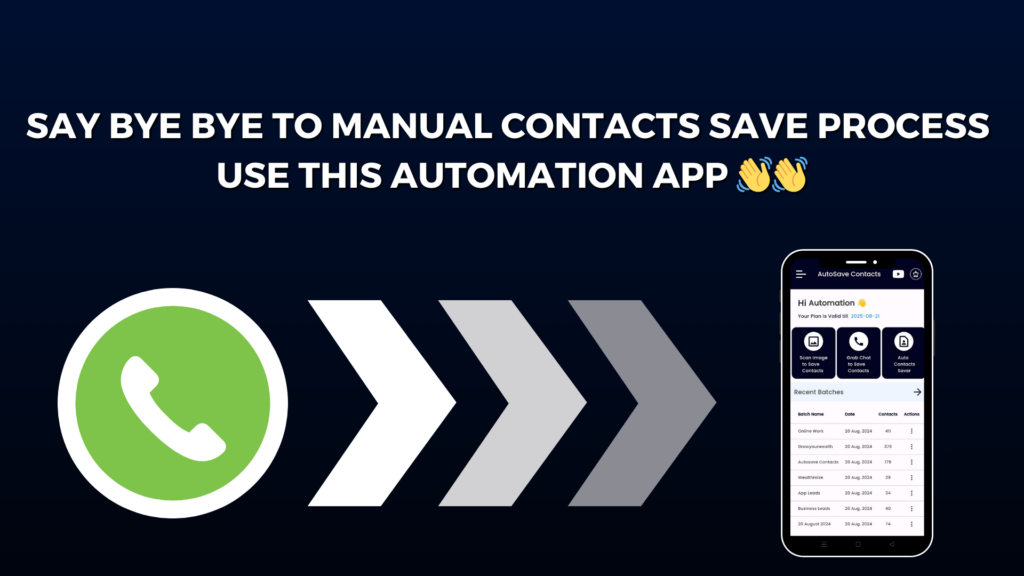
Autosave Contacts is a simple and helpful app made for this exact problem.
App Name: Autosave Contacts
Developer: Wealthmize
This app helps you save WhatsApp group numbers quickly, without typing them one by one. Anyone can use it, even if they are not good with technology.
Autosave Contacts works like a helper that collects phone numbers for you. It can read numbers from WhatsApp chats and even from images. Once the numbers are found, the app saves them neatly into a VCF file. A VCF file is just a file that stores contacts so you can add them to your phone easily with one tap.
The best part is how easy the app is to use. You do not need special skills or long steps. Open the app, choose your WhatsApp group chat, and let the app do the work. In a few moments, all the numbers from the group are ready to be saved. No copying. No pasting. No mistakes.
Autosave Contacts is very useful for many people. Teachers can save student numbers. Business owners can save customer contacts. Event organizers can keep guest details. Even friends planning trips can save group numbers fast and stay connected.
Another great feature is saving numbers from images. If you have a photo with phone numbers written on it, the app can scan the image and find the numbers for you. This saves even more time and avoids errors.
The app keeps things clean and simple. It does not confuse users with hard words or complex buttons. Everything is clear, friendly, and easy to understand. That is why people of all ages can use it comfortably.
In short, Autosave Contacts is a smart solution for anyone who wants to save WhatsApp group numbers without stress. It saves time, avoids manual typing, and keeps your contacts organized. If you want an easy way to manage contacts, this app is a great choice.