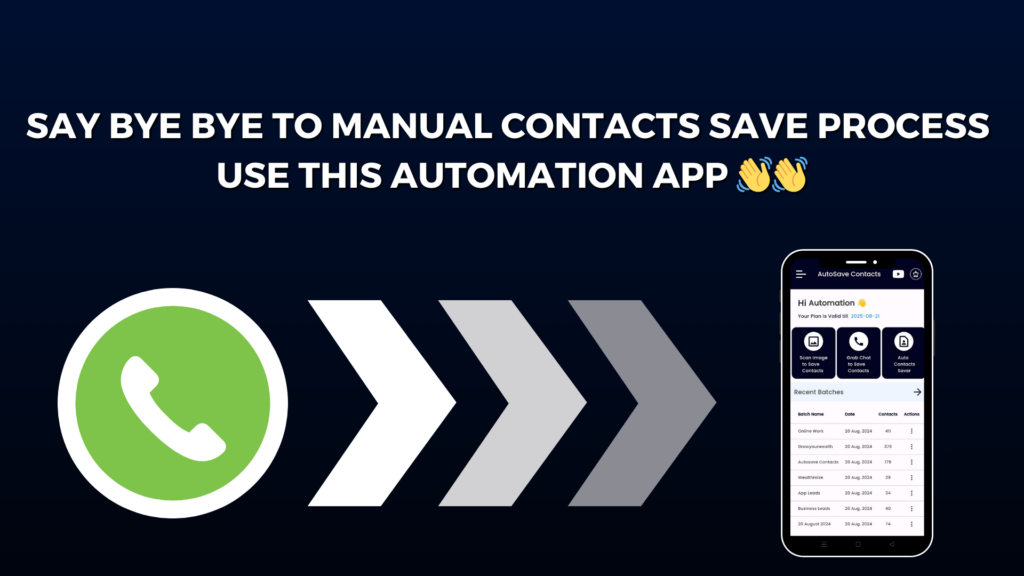
Do you still save phone numbers one by one after receiving a WhatsApp message? If yes, you are spending more time than you need to. Whether you chat with customers, clients, friends, or group members, manual contact saving can become slow and frustrating.
That is why Autosave Contacts, developed by Wealthmize, is a smart solution for anyone who wants faster and easier contact management.
Autosave Contacts is an all-in-one app that helps you save, organize, import, export, and manage contacts without the usual manual work. It is designed for business owners, marketers, recruiters, sales teams, and anyone who receives many WhatsApp messages every day.
🚀 Top Features of Autosave Contacts
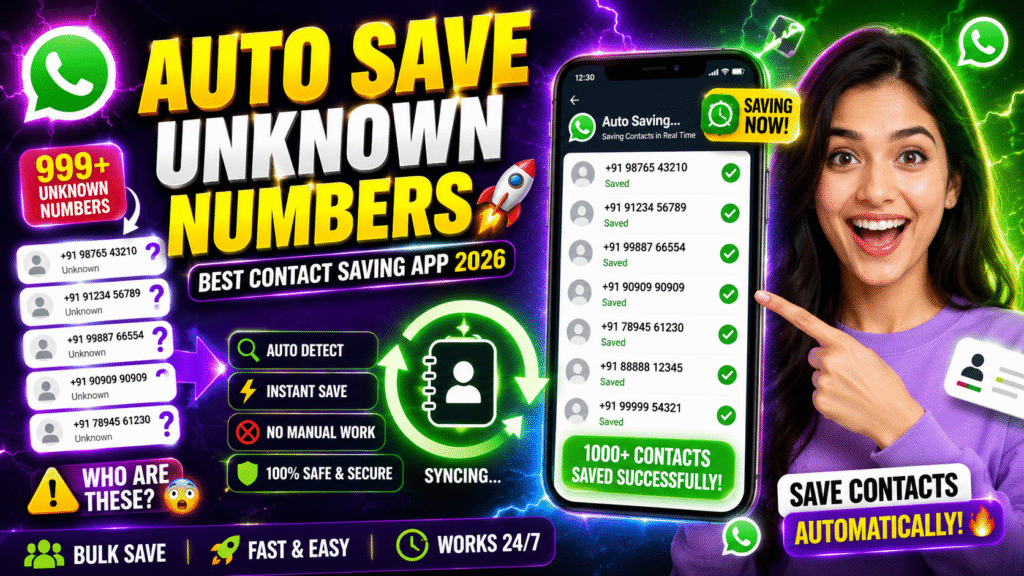
✅ Save Unknown WhatsApp Numbers
Automatically save important WhatsApp numbers without typing them manually.
✅ WhatsApp Group Contact Saver
Extract and save contacts from WhatsApp groups in just a few simple steps.
✅ Extract Numbers from WhatsApp Chats
Collect phone numbers directly from chat conversations whenever you need them.
✅ Import Contacts from Excel, CSV & Google Sheets
Import hundreds or even thousands of contacts quickly from spreadsheet files.
✅ Extract Numbers from Images
Convert phone numbers from screenshots, business cards, posters, and images into contacts.
✅ Export Contacts to Excel, CSV & VCF
Create backups and transfer your contacts easily between devices.
✅ Create Auto Contact Saver Files
Generate VCF contact files that can be shared with customers, clients, and team members.
💼 Built for Business and Daily Use
Autosave Contacts is perfect for business owners, digital marketers, agencies, recruiters, teachers, event organizers, sales professionals, and anyone managing large contact lists.
The app is very simple to use. You don’t need any technical knowledge to get started. Just follow a few easy steps, and the app helps you organize your contacts in a faster and smarter way.
Instead of spending valuable time saving numbers manually, you can focus on customer communication, lead management, and business growth.
If you are looking for the best way to stop saving contacts manually in 2026, Autosave Contacts is an excellent choice. With WhatsApp contact saving, spreadsheet import, image number extraction, contact backup, and bulk management features, it gives you everything you need in one easy-to-use app.
Save time, stay organized, and make contact management effortless with Autosave Contacts.